01
Submit Your Request
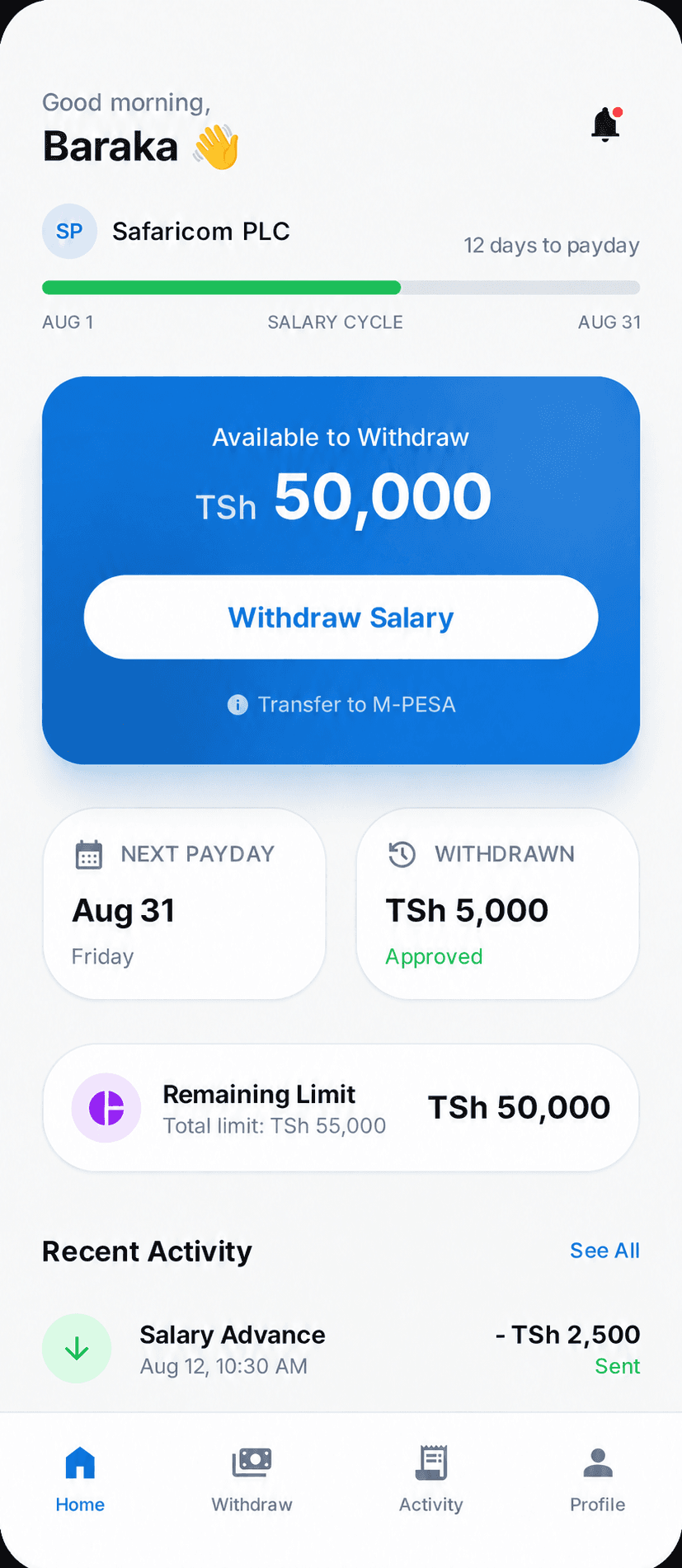
Sign in, check your available amount, and review the fees and repayment schedule before submitting.


How It Works
Apply from your phone, review the terms, and follow your request through approval and payment.
Apply
From your phone
Review
Track your status
Payout
Direct
Repayment
Payroll-linked
Apply, review your terms, and follow your request in your account. Advances are subject to eligibility and approval. Once a payment is completed, check your chosen bank or mobile money account for the funds.
Blue Brand Process
Sign in, check your available amount, and review the fees and repayment schedule before submitting.
Follow your application status in your account. If we need more information, you can provide it before the review continues.
After approval and payment processing, funds are sent to your supported bank or mobile money account. Provider processing times can vary.
Repay using the method and schedule you accepted. Payroll deductions apply where supported and authorized.
Why It Works
Use your account to check request updates, payment details, and repayment dates. If a status or amount looks wrong, contact support with your request reference.
Complete your details and upload any documents requested during the application.
Check the fees, total recovery amount, and payroll cycles before you confirm a request.
Contact support about your application, a payment delay, or a repayment question.
Need Salary Access Without the Confusion?
Create an account to request a salary advance, or explore the employee product page for a closer look at the full experience.